
Create context-sensitive help linking directly to existing process documents. This help can be country specific and can be updated by TC admin users as new help documentation becomes available.
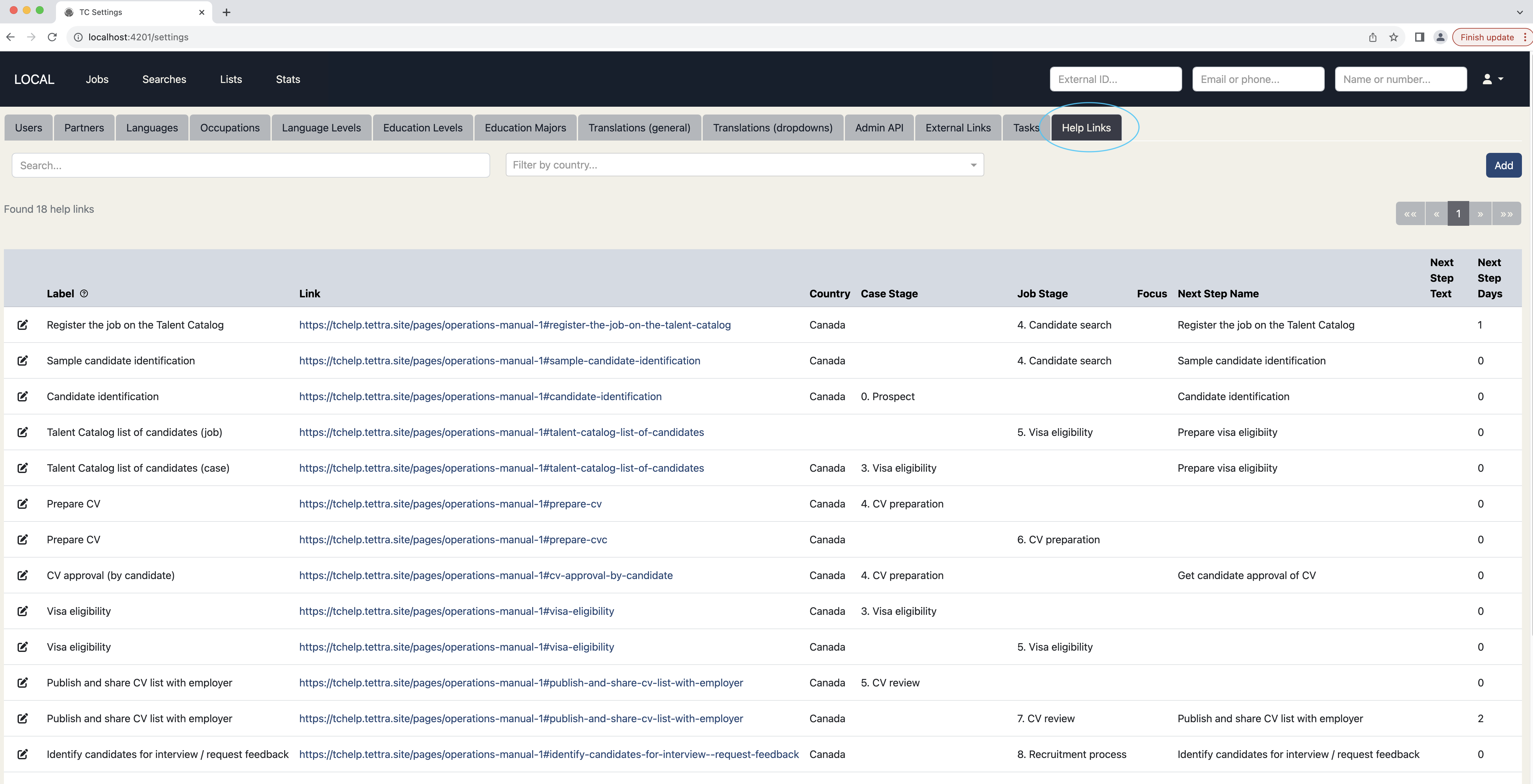
In this release we have introduced a new tab in Settings (Help Links) where you can define new help links, with a label and a link to your process documentation. The other fields shown are context fields. So for example at the Visa Eligibility job stage, context-sensitive help will be available relevant to that stage.
In an upcoming release we will add help icons to the Talent Catalog in the appropriate places, so that users can click on these icons and see the context-sensitive help right where they need it, navigating directly to the process documentation they need.
We’re going to be asking you to share your country specific process documentation on the TC Slack channel for us to review and map onto context help links. Thanks to the Canada team for the inspiration for this idea!