We are implementing some search safeguards in this release to combat the following:
- Search filters being overwritten
- Candidate’s being unintentionally added to lists
Saving Filters
For unsaved searches, the filter changes are autosaved upon each Search click. This allows for a search ‘playground’ where you can search, leave the page and come back to your filters.
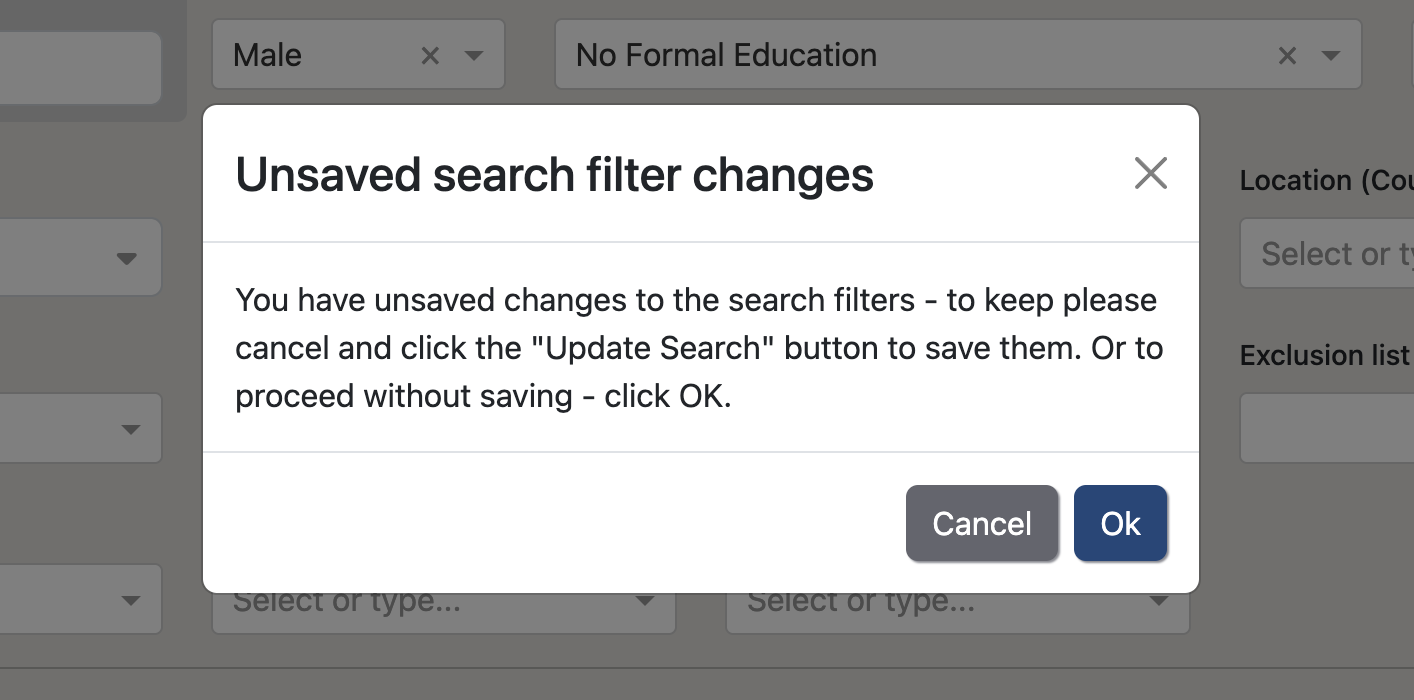
For saved searches, as those filters have been specifically chosen and saved we don’t autosave filter changes upon each Search. Instead, those filter changes have to be manually saved via the Update Search button. If there are unsaved filter changes made to the saved search filters and you navigate away from the search page, a pop-up will appear to get confirmation to proceed and allow you to save the changes if desired.
Candidate Selections
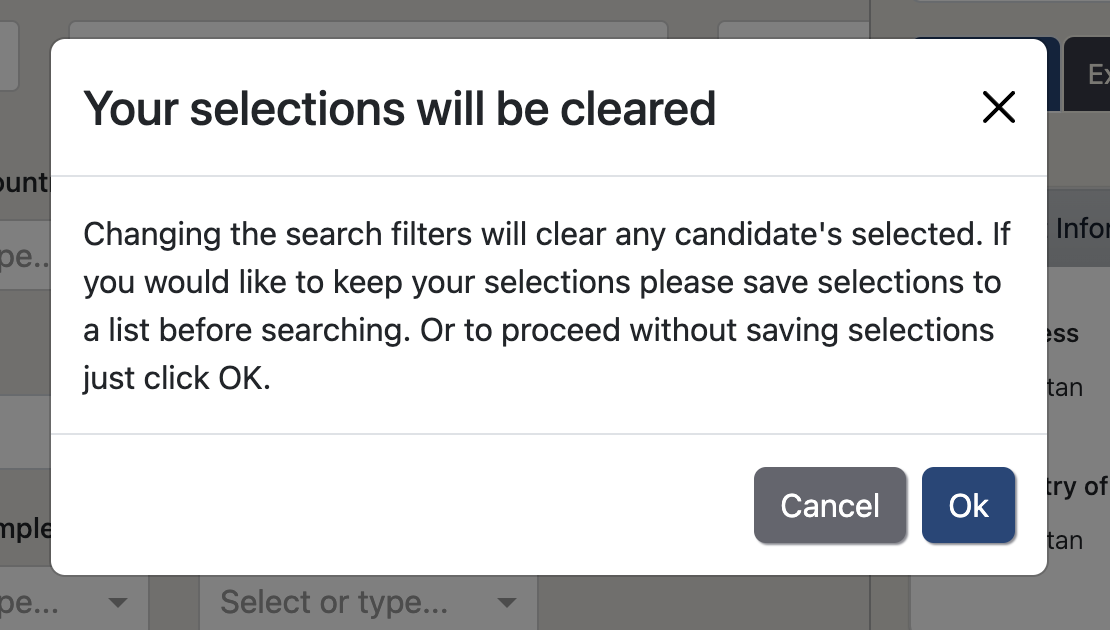
It is important to have selections cleared before searching as it avoids selected candidates disappearing from the search but still being selected. These ‘ghost’ selections that have been filtered out of the search then could appear in a list when the selections are copied over. Now we’ll prompt you to save your selections prior to running a search. Then the selections will be cleared upon each search to maintain a clear and transparent number of selections.