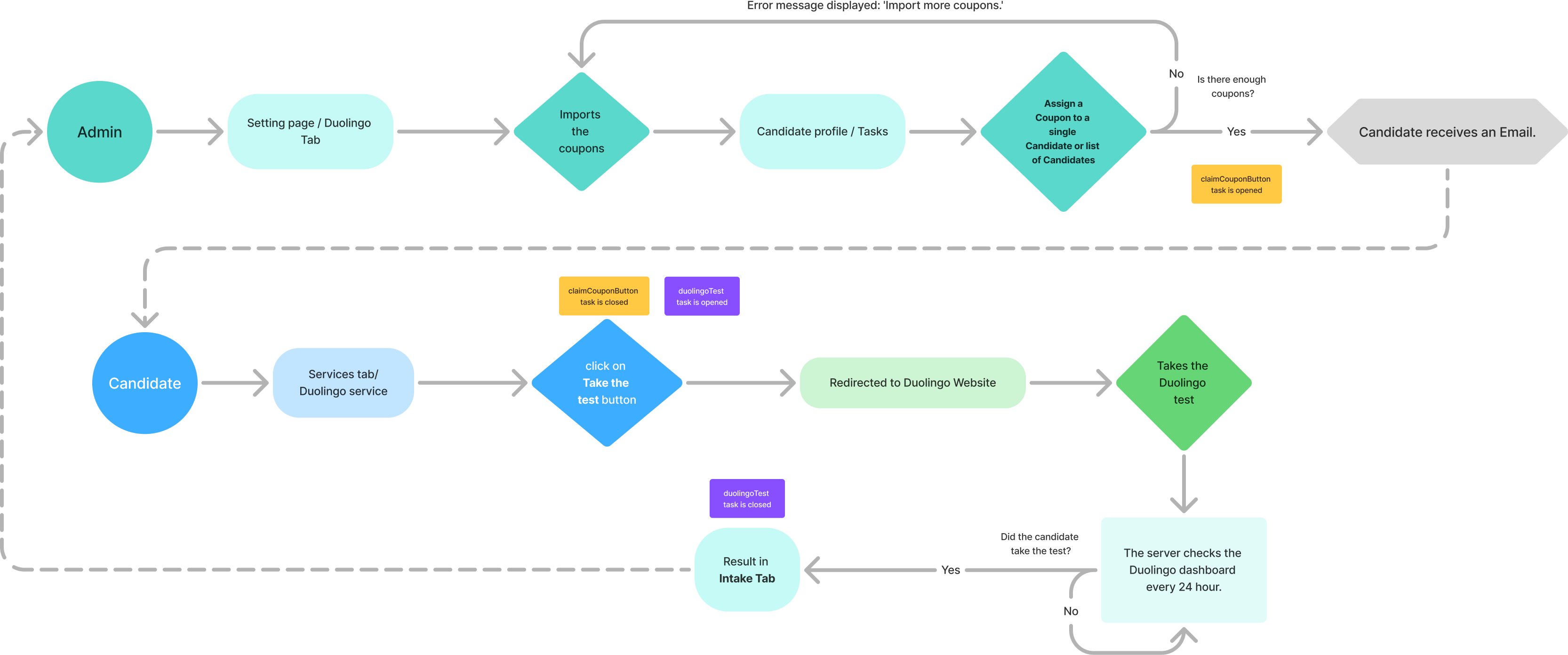
The Talent Catalog is happy to announce a partnership with Duolingo, allowing selected candidates to access free coupons to take the Duolingo English Test (DET). The DET is a modern English proficiency assessment available online, taking approximately 1 hour and results being returned in 2 days. Working with Duolingo’s API we are able to manage the coupons and track the results directly through the Talent Catalog.
Admin Portal
Through the Talent Catalog admin portal, admins can:
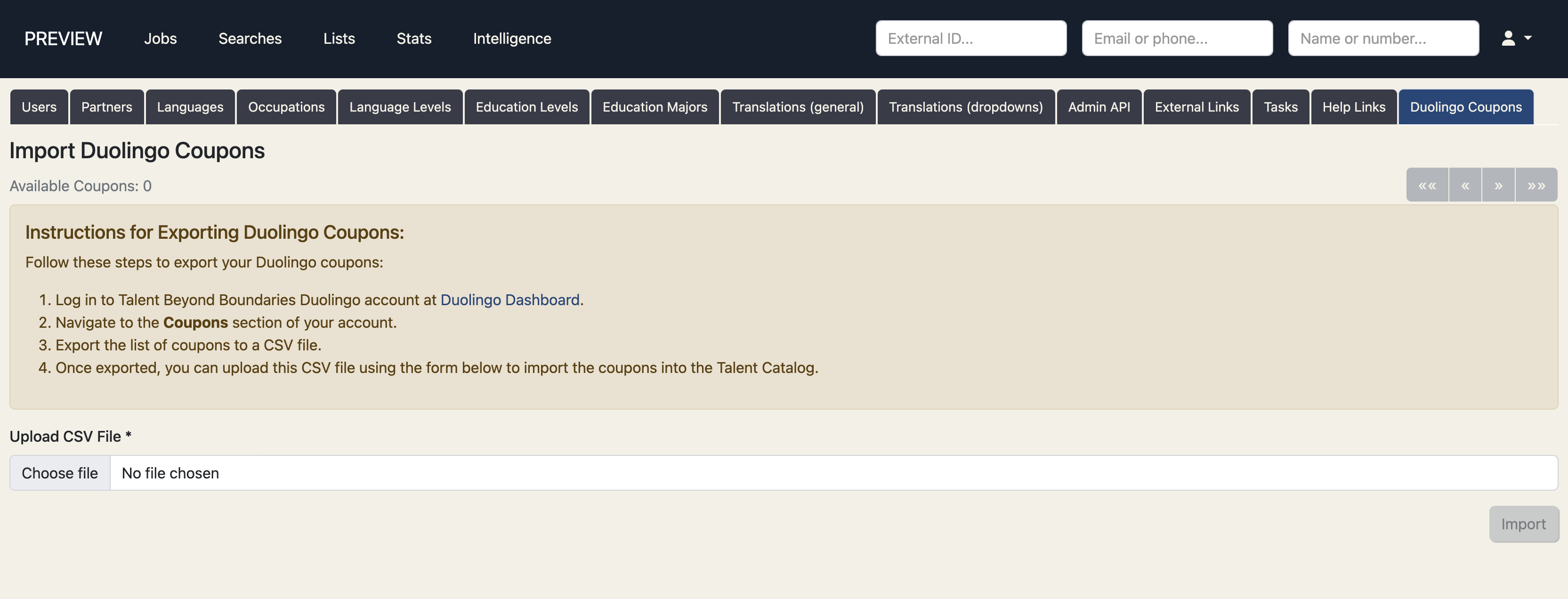
Upload coupons provided by Duolingo to the TC
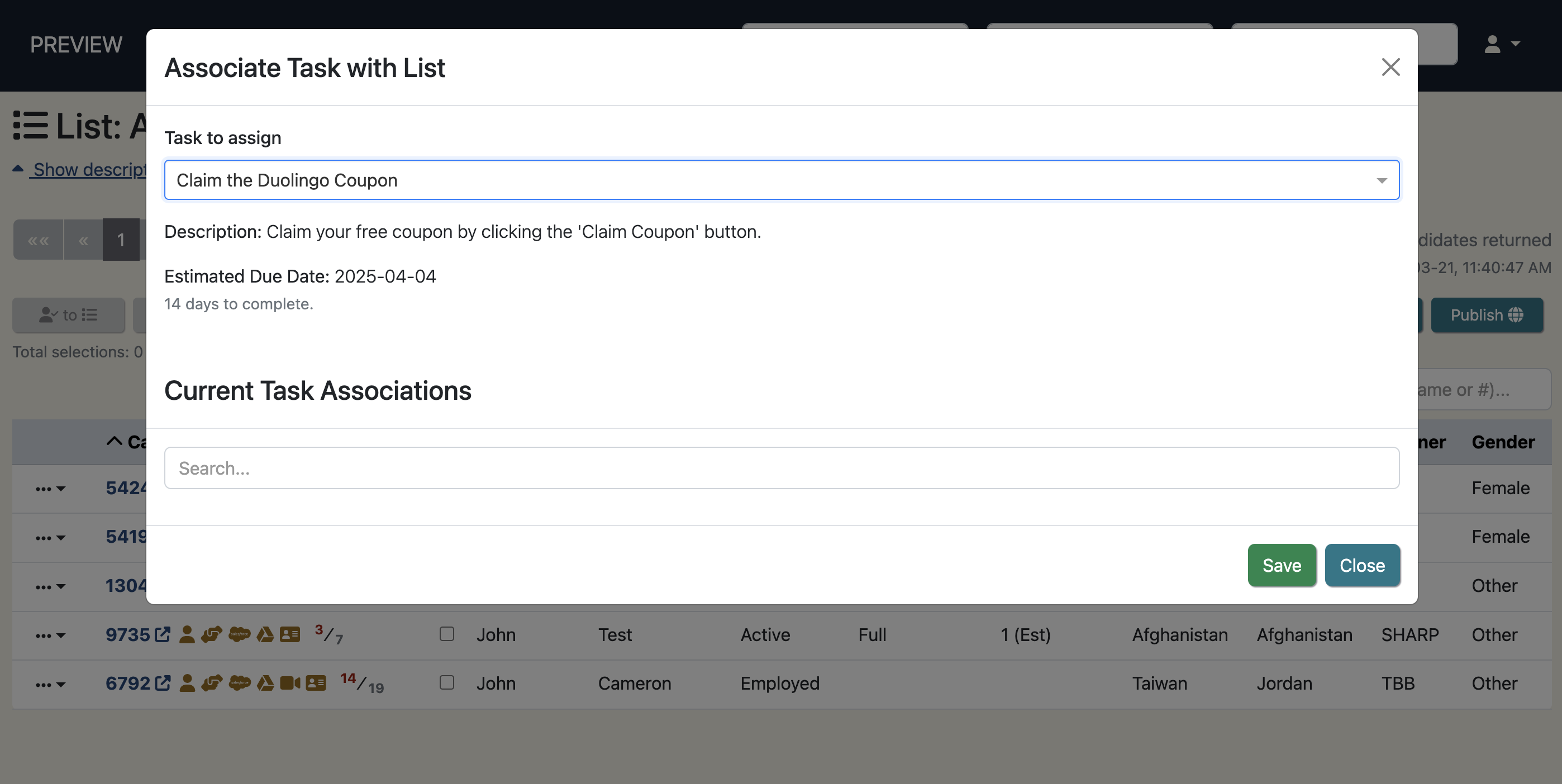
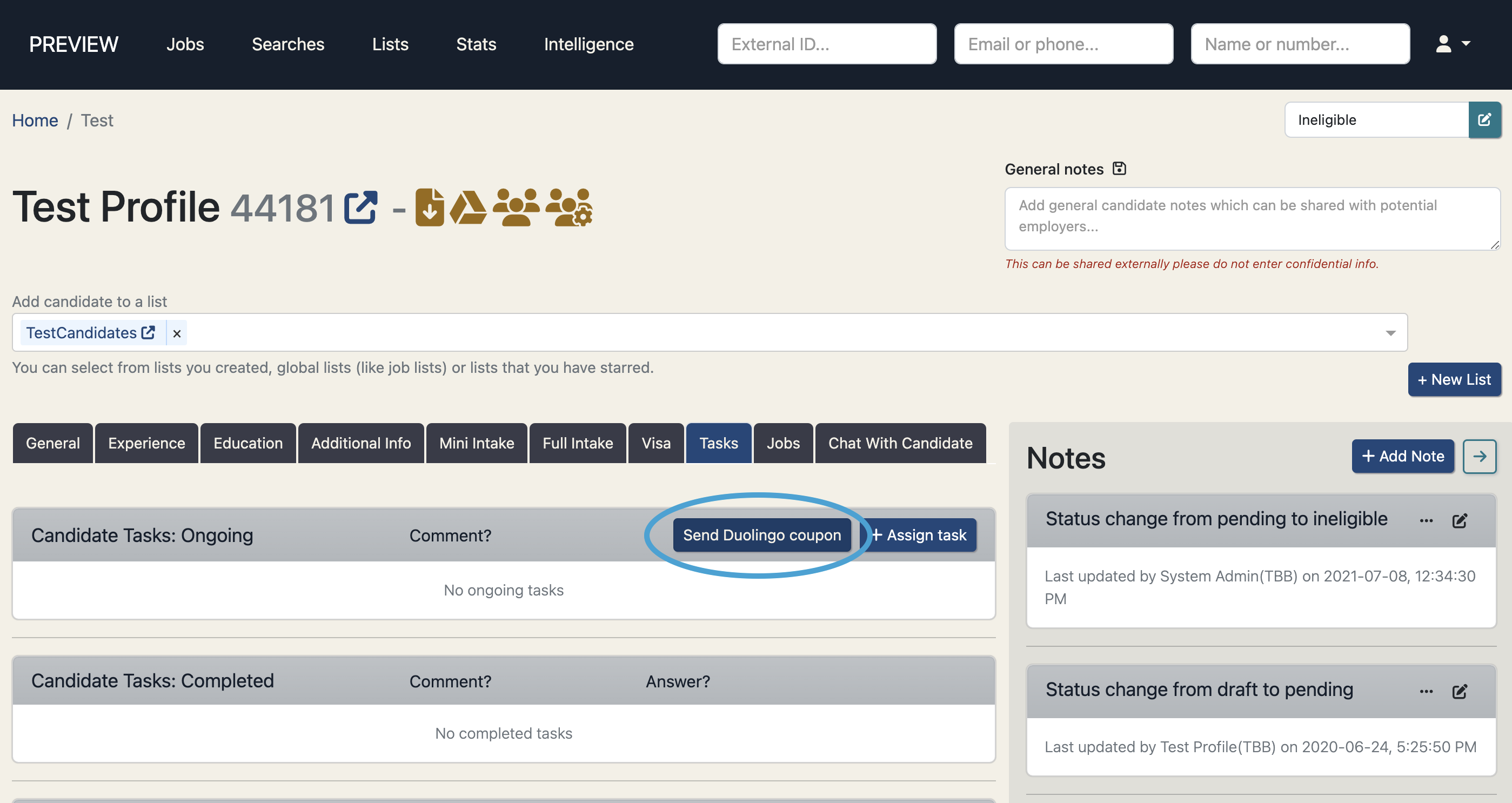
Assign coupons to a list of candidates or a candidate individually
Assigning duolingo coupons is restricted to TBB partners.
Monitor if/when the candidate has redeemed the coupon and completed the test
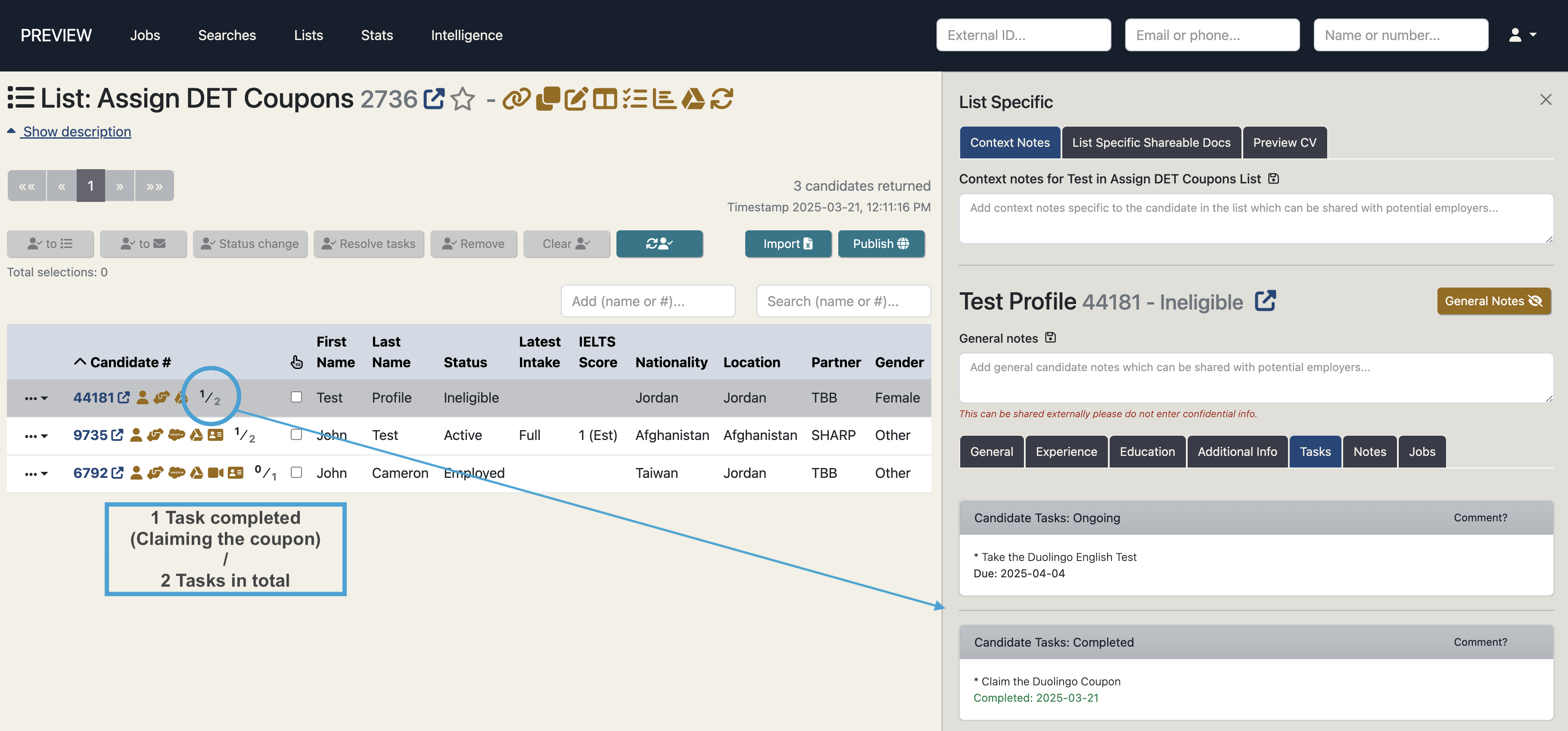
When coupons are assigned to a candidate tasks are created to assist with monitoring of a candidate’s progress. When a coupon is first assigned they are also assigned a ‘Claim the Duolingo Coupon’ task. Once they have claimed this coupon by clicking the ‘Claim Coupon’ button on the candidate portal (see candidate’s view below) then that task will be autocompleted and the candidate will be assigned another task - ‘Take the Duolingo English Test’. These two tasks can be monitored using our existing tasks monitor symbol in lists and searches, and it can be viewed in more detail by viewing the Tasks tab on the candidate profile.
View the DET test results
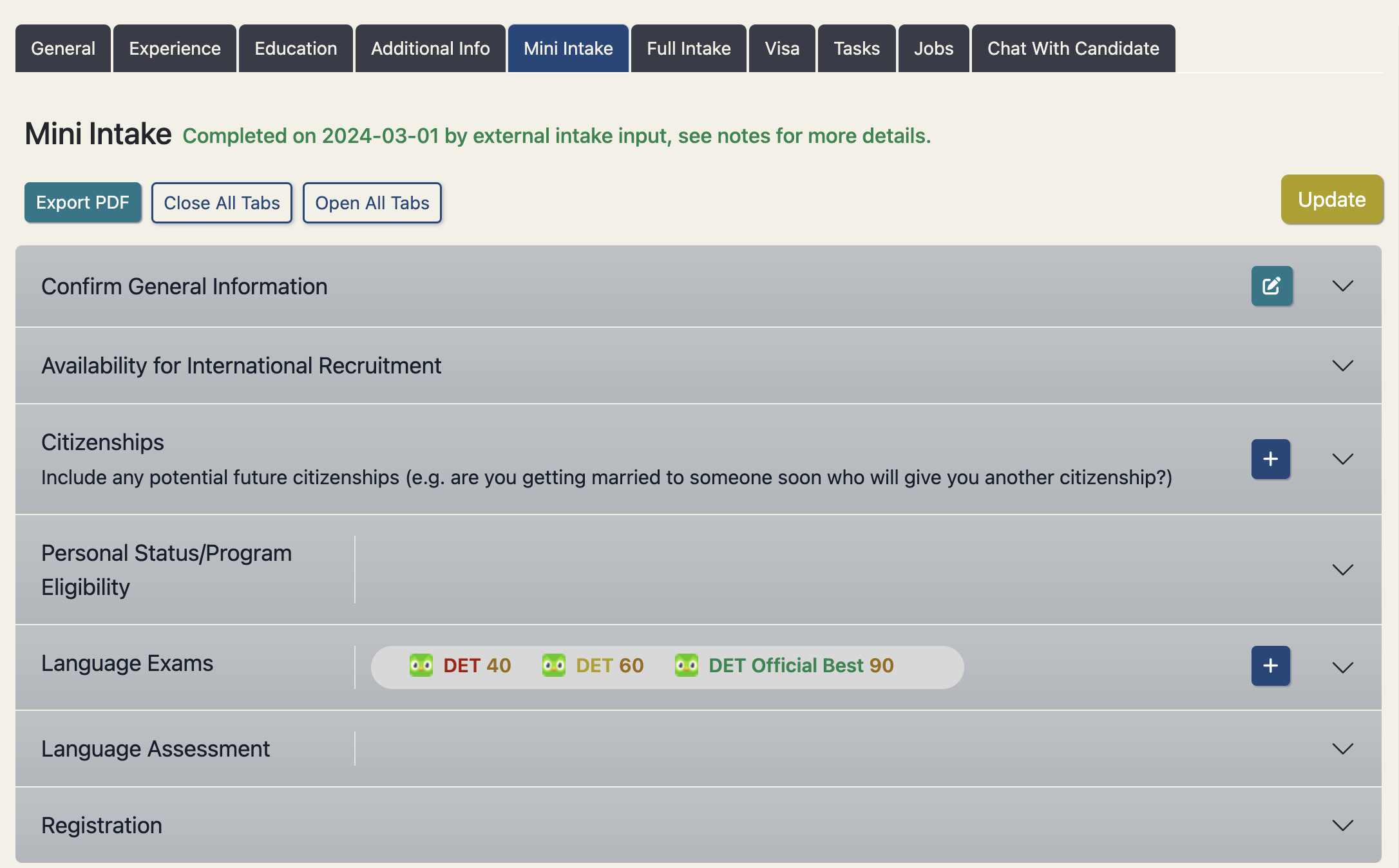
Every day the TC will pull the latest DET results from Duolingo and import those results into the relevant candidates ‘Language Exams’ section under the Intake tabs of their candidate profile. These results are detailed within the exam card and there is also a results overview in the accordion header. The results overview is coloured Green, Yellow, Red depending on which result category they fall in.
Candidate Portal
Through the Talent Catalog candidate portal, candidate’s can:
Access the Duolingo service via the services tab
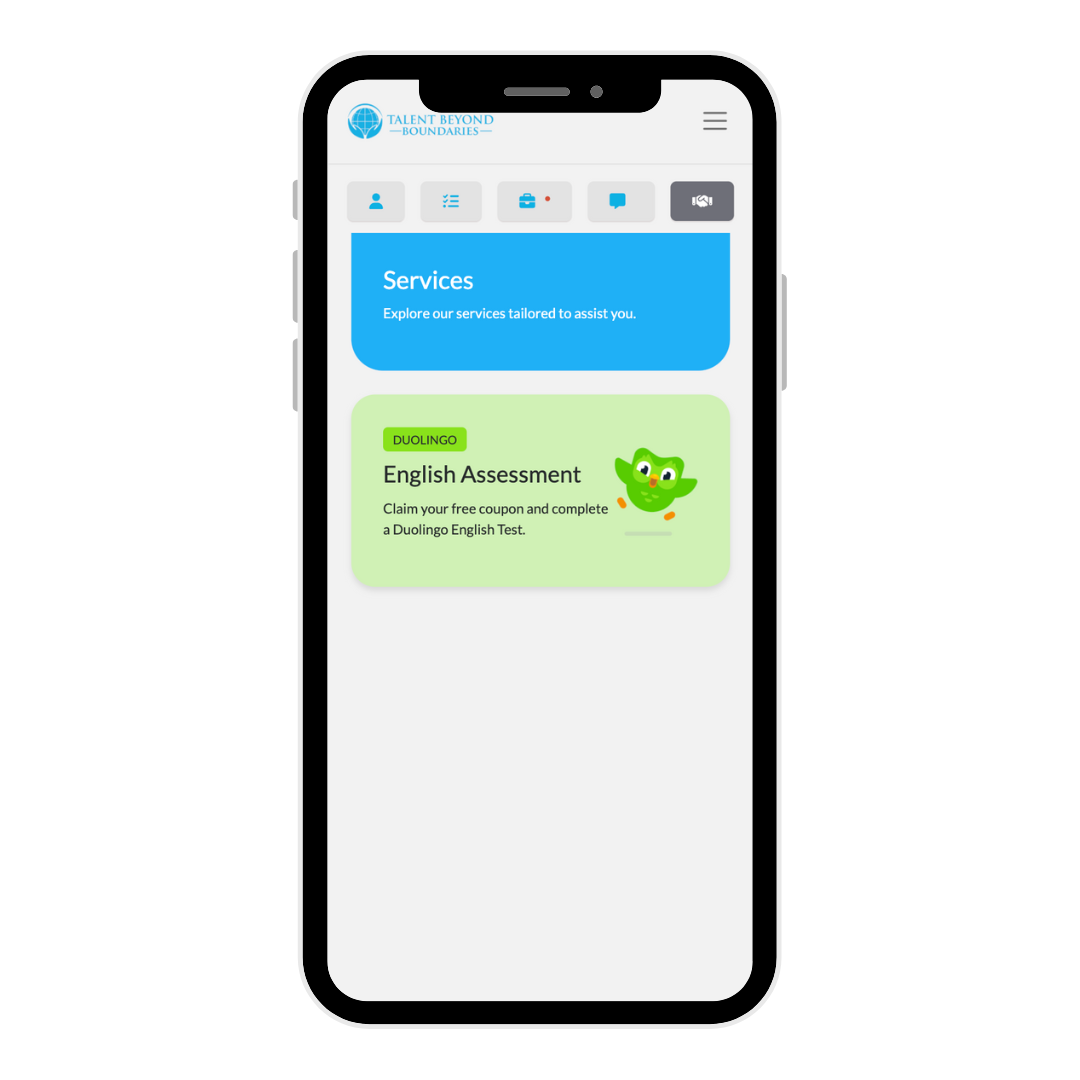
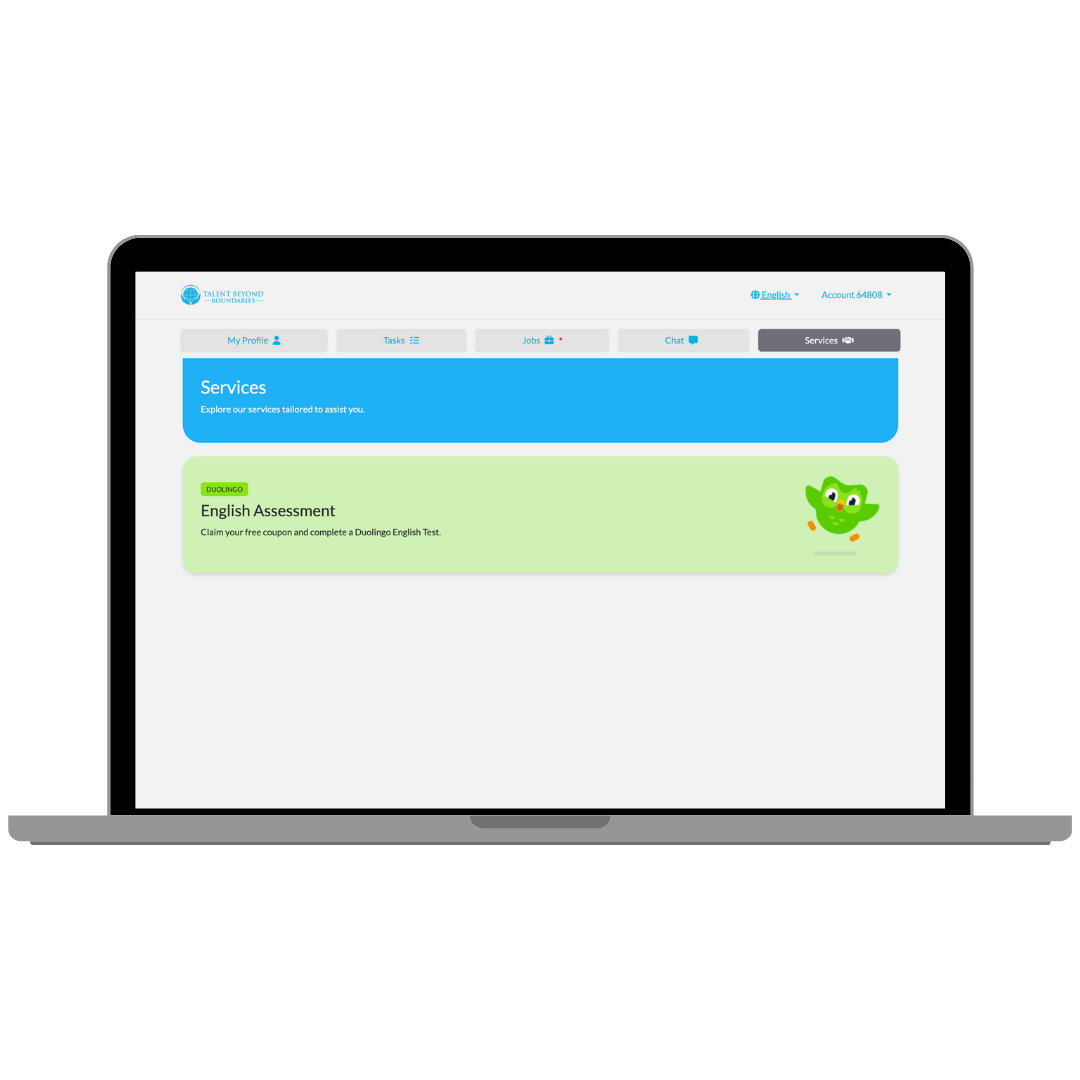
Access coupon and view results
If a coupon exists for the candidate, the claim coupon button will appear. If the candidate has claimed the coupon and taken the DET, the results will also appear on this page.
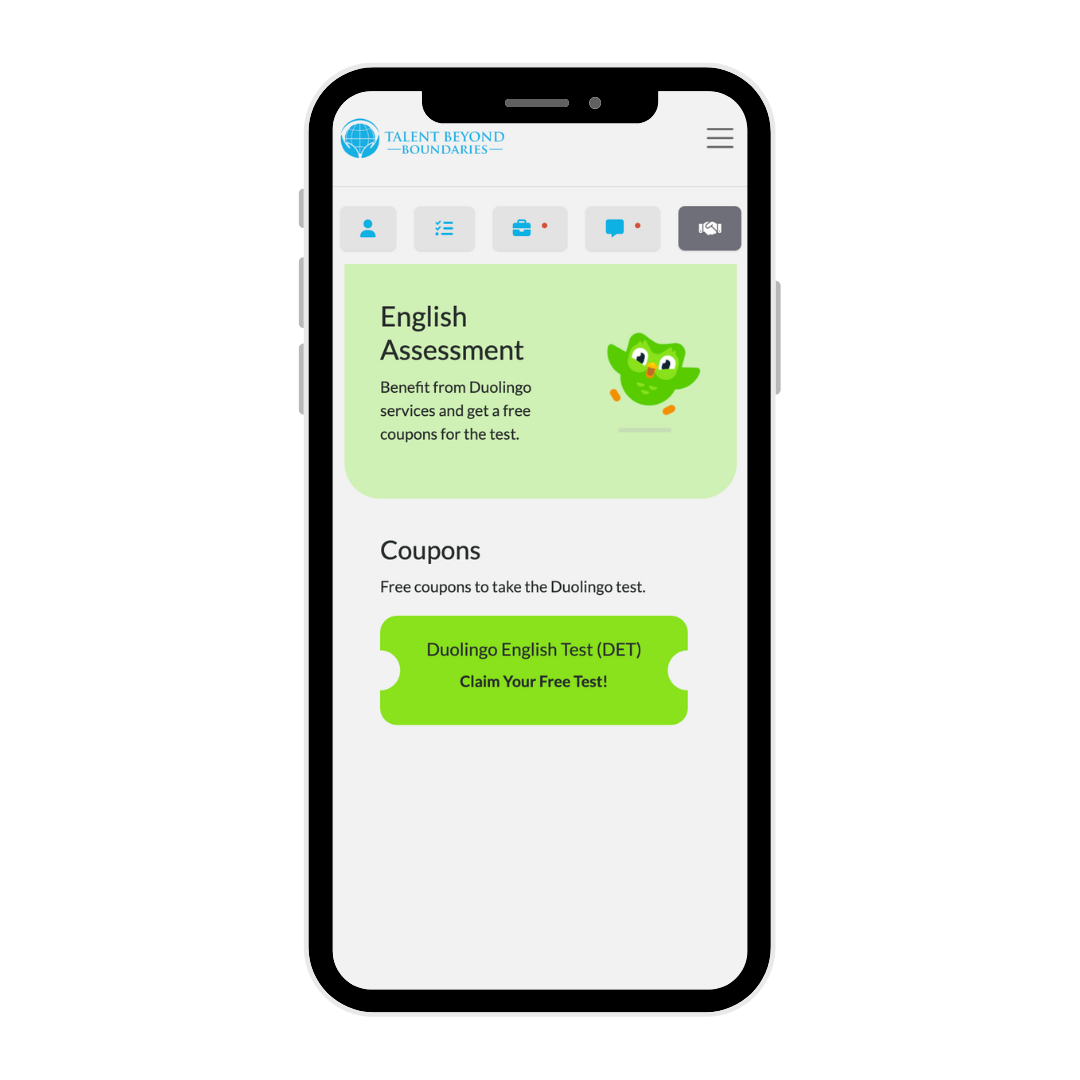
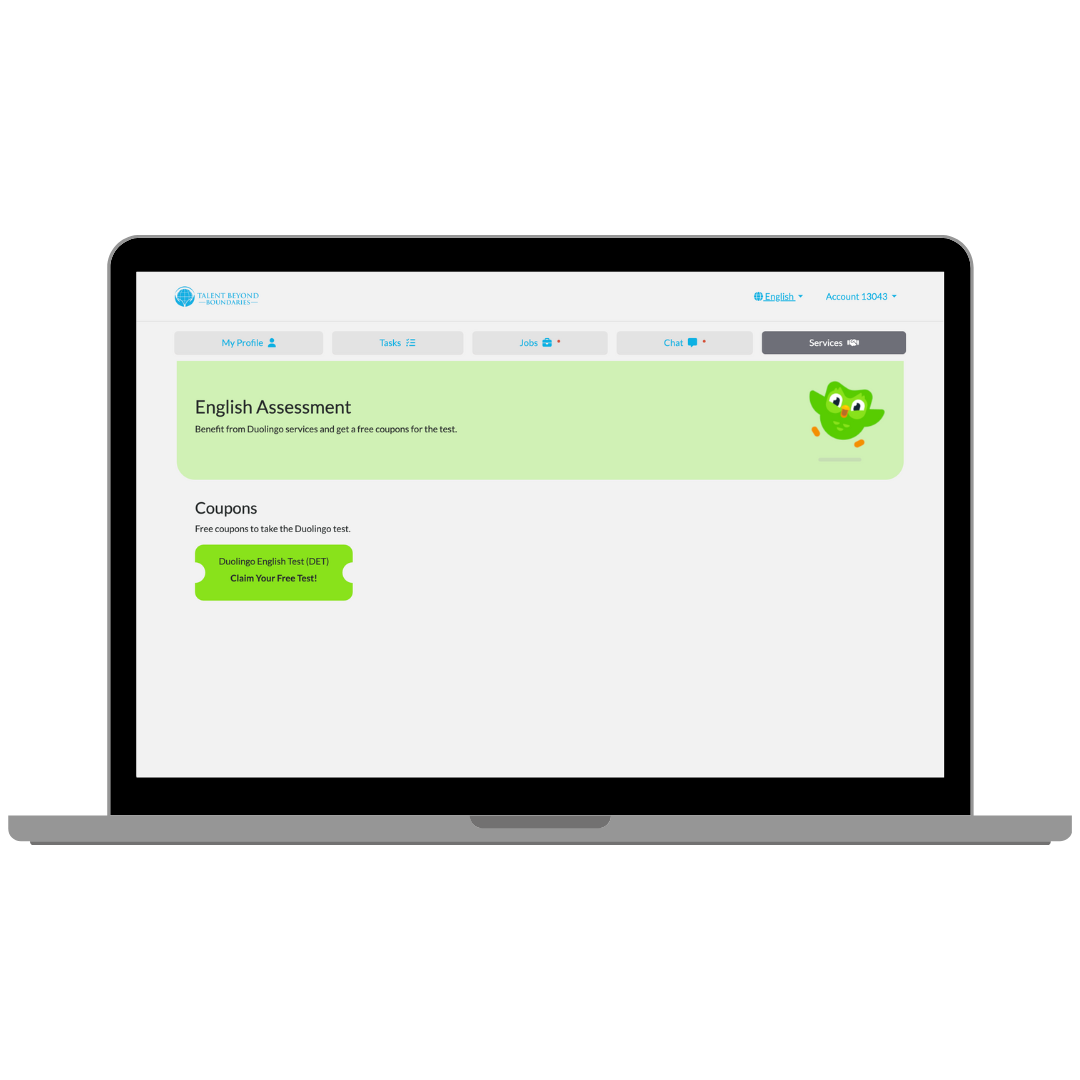
Learn more about the Duolingo English Test and the process
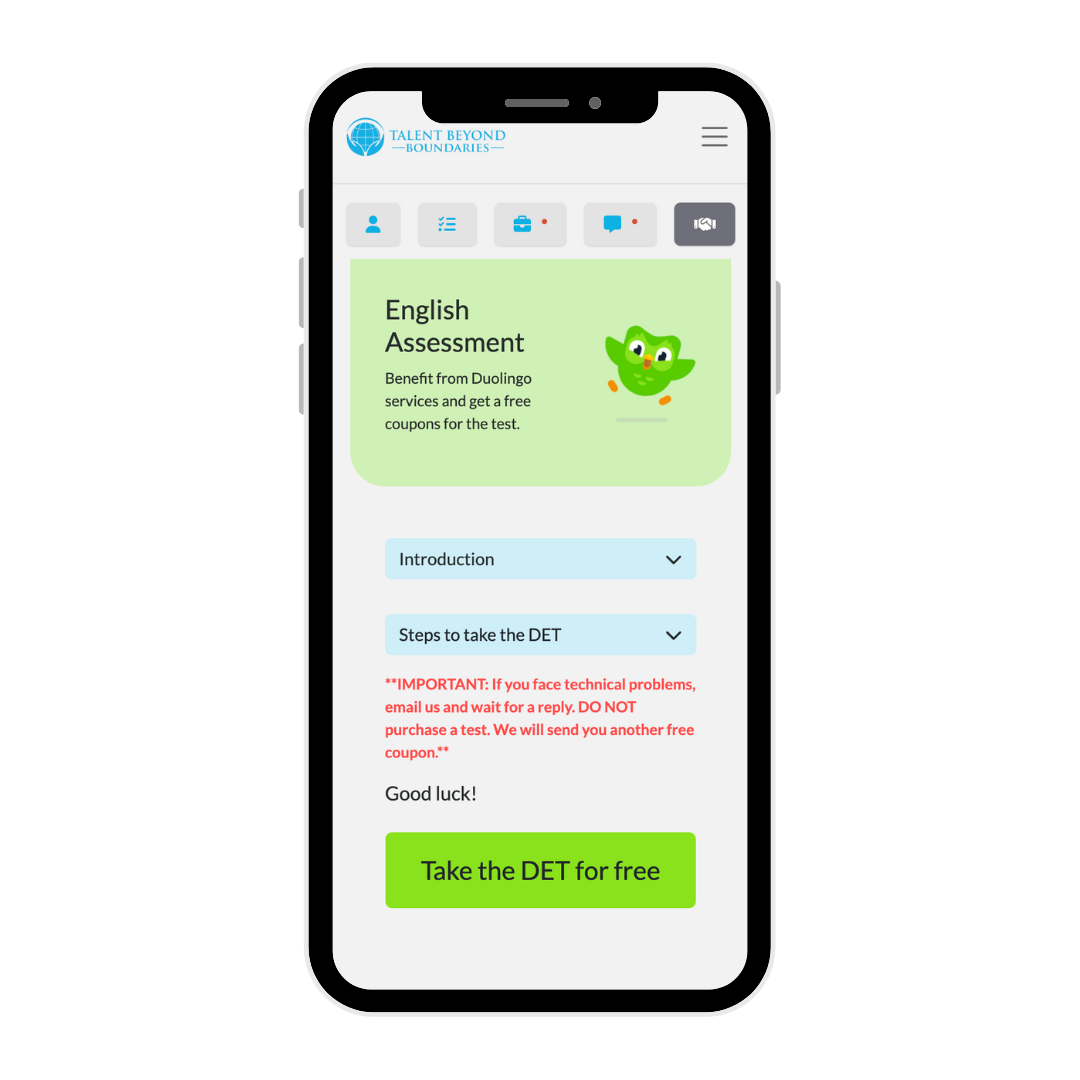
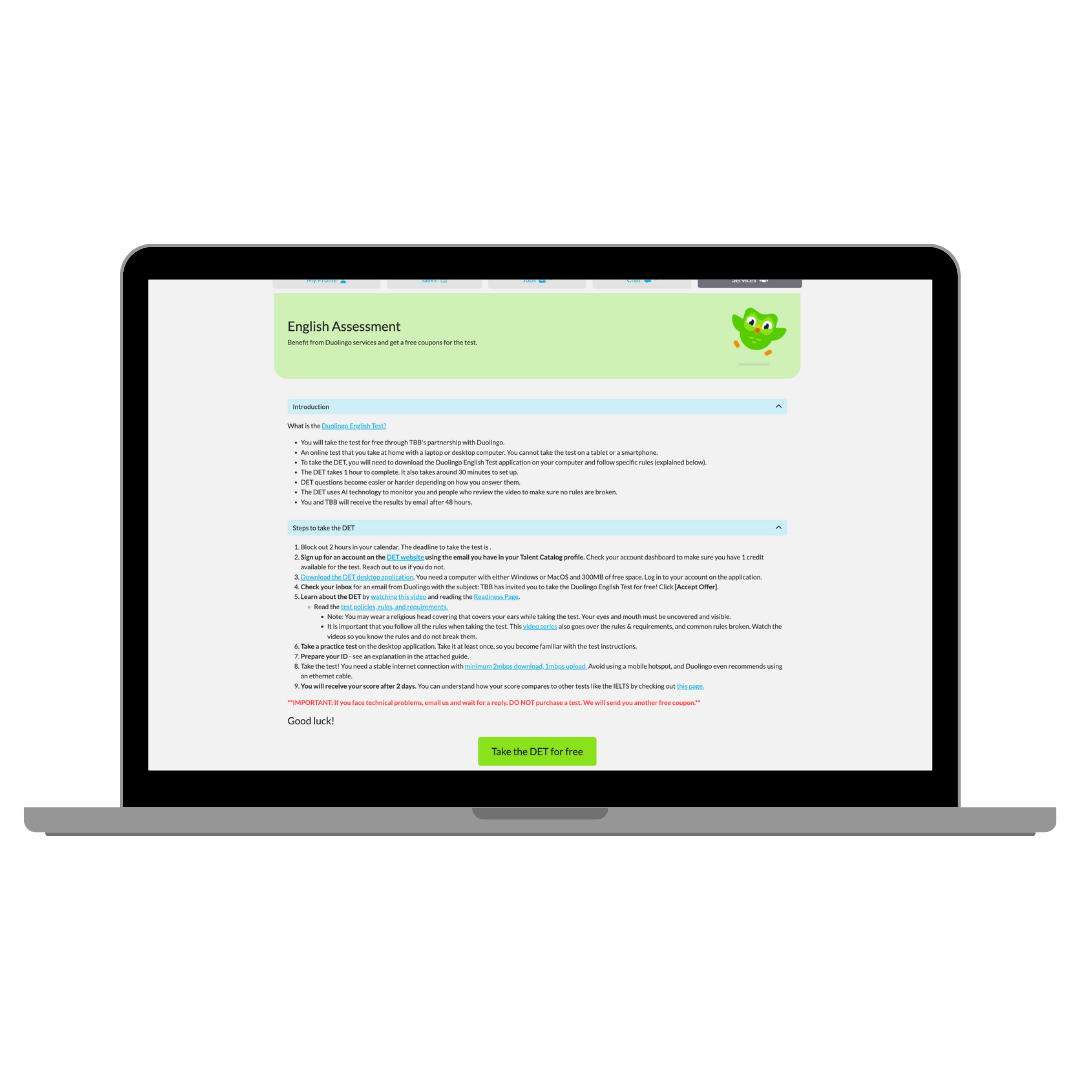
Redeem the token via the Duolingo checkout
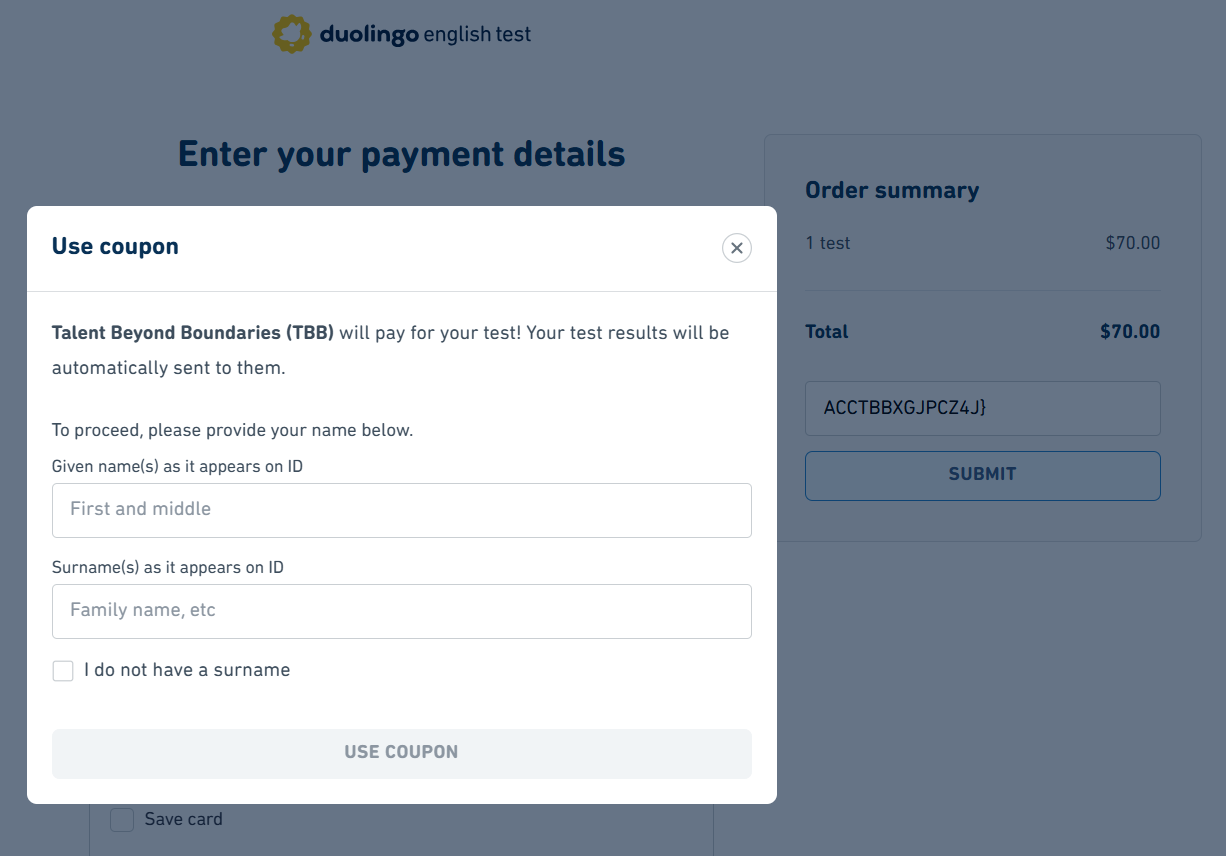
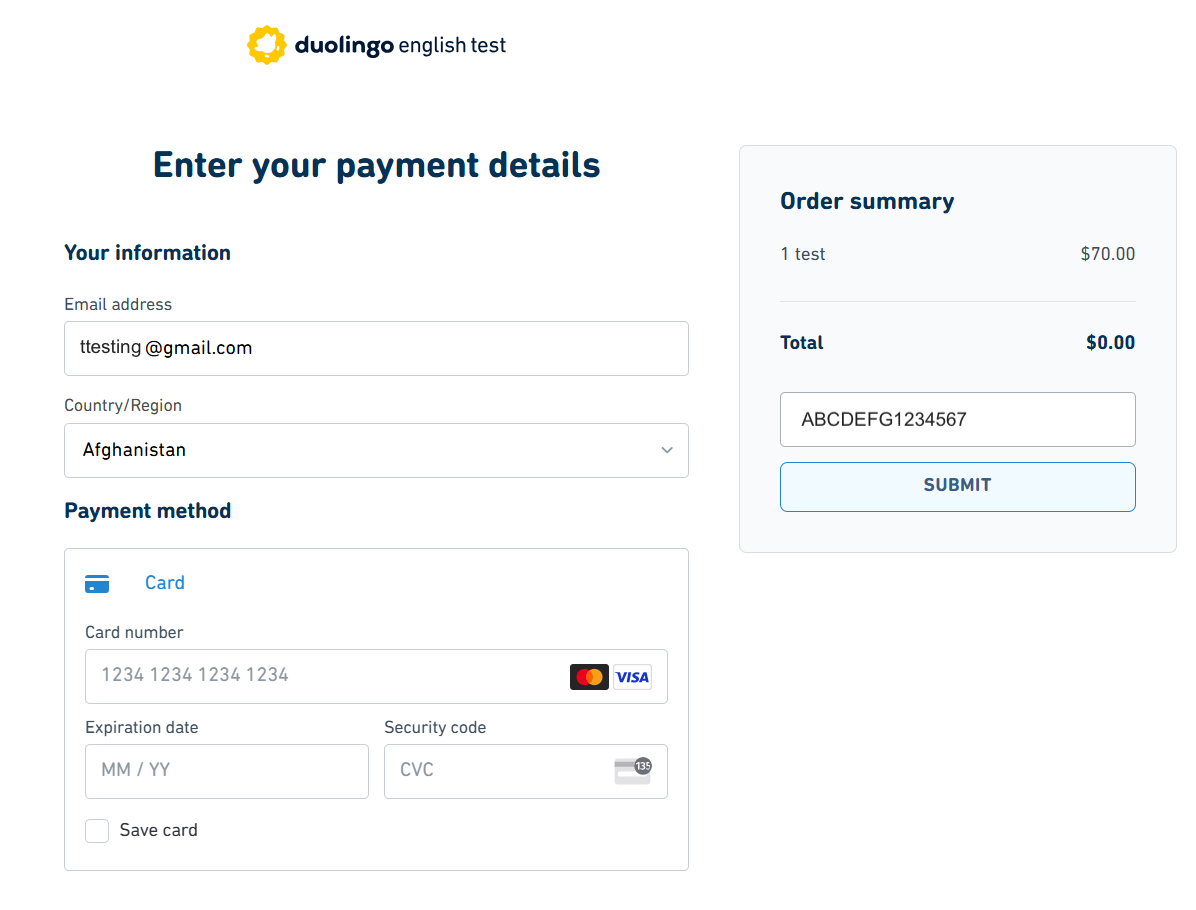
By clicking on the ‘Take the DET for free’ button, candidates will be taken to a Duolingo webpage where they are prompted to enter their first and last name. Once entered, the checkout page will appear with a unique coupon entered into the promo code field which will take the total down to $0. No card details need to be entered. If the coupon has already been redeemed, candidate’s will instead be redirected to the Duolingo English Test’s page to complete the test.
Flow Chart of the TC/DET Process