
Refugee ID Card Scanning: Verify Your Registration
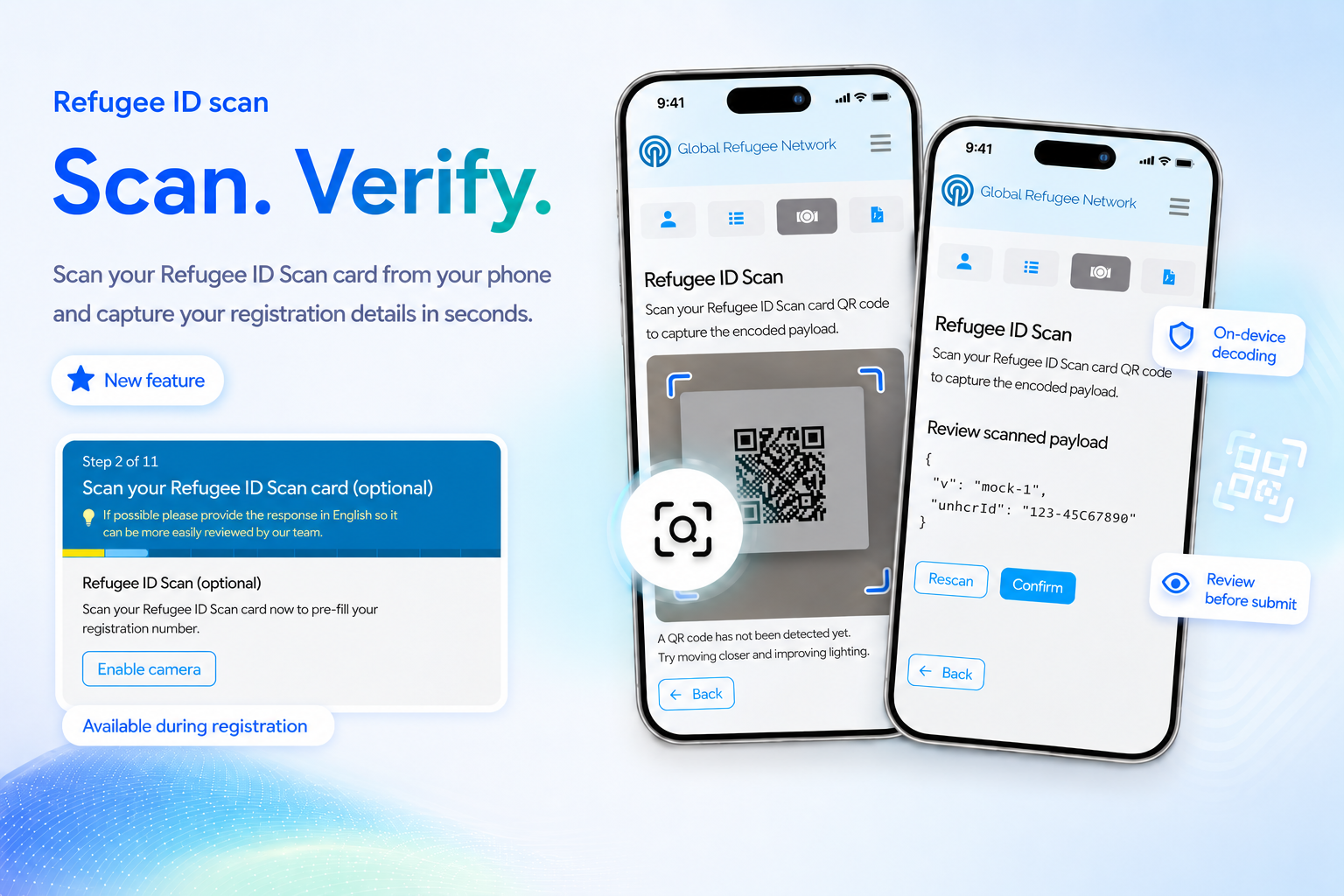
Refugees issued an ID card have their registration number encoded in a QR code on the card. On GRN, candidates can now scan that code directly from their phone’s camera to capture and verify their refugee registration number and personal details — no backend account linking required, and nothing ever leaves the device until the candidate chooses to submit it.
📷 Scan From the Services Tab
A new Refugee ID Scan card in the Candidate Portal’s Services tab lets a candidate scan their refugee ID card QR code at any time. Selecting it opens the device’s back camera; the code is decoded on-device, and the scanned payload is shown for review before anything is submitted.
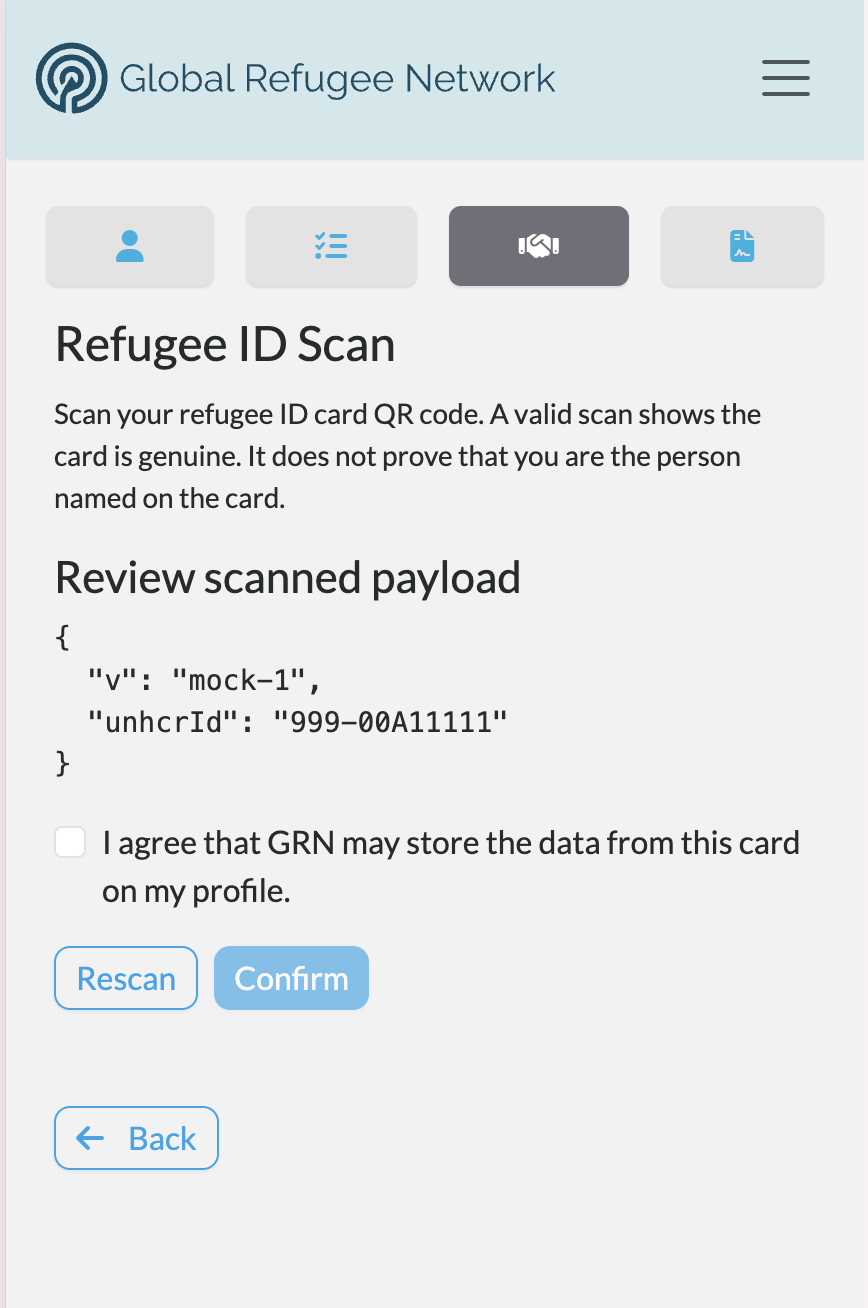
If the camera can’t start — permission denied, or no camera on the device — the candidate sees a clear message rather than a stuck screen. Once a scan succeeds, the camera switches off automatically; a Rescan option is always available if needed.
The above screen grab is just a mocked scan, and actual QR scan decodes a candidate’s personal details, as well as their refugee registration number and a low res photo image may also be decoded from their refugee ID card.
📝 Or Scan During Registration
The same scan-and-submit flow is also offered as an optional, skippable step during GRN registration — “Scan your refugee ID card (optional).” A candidate who scans their card has their refugee registration number and personal details pre-filled automatically on the following step; a candidate without a card handy can skip the step and continue registering.
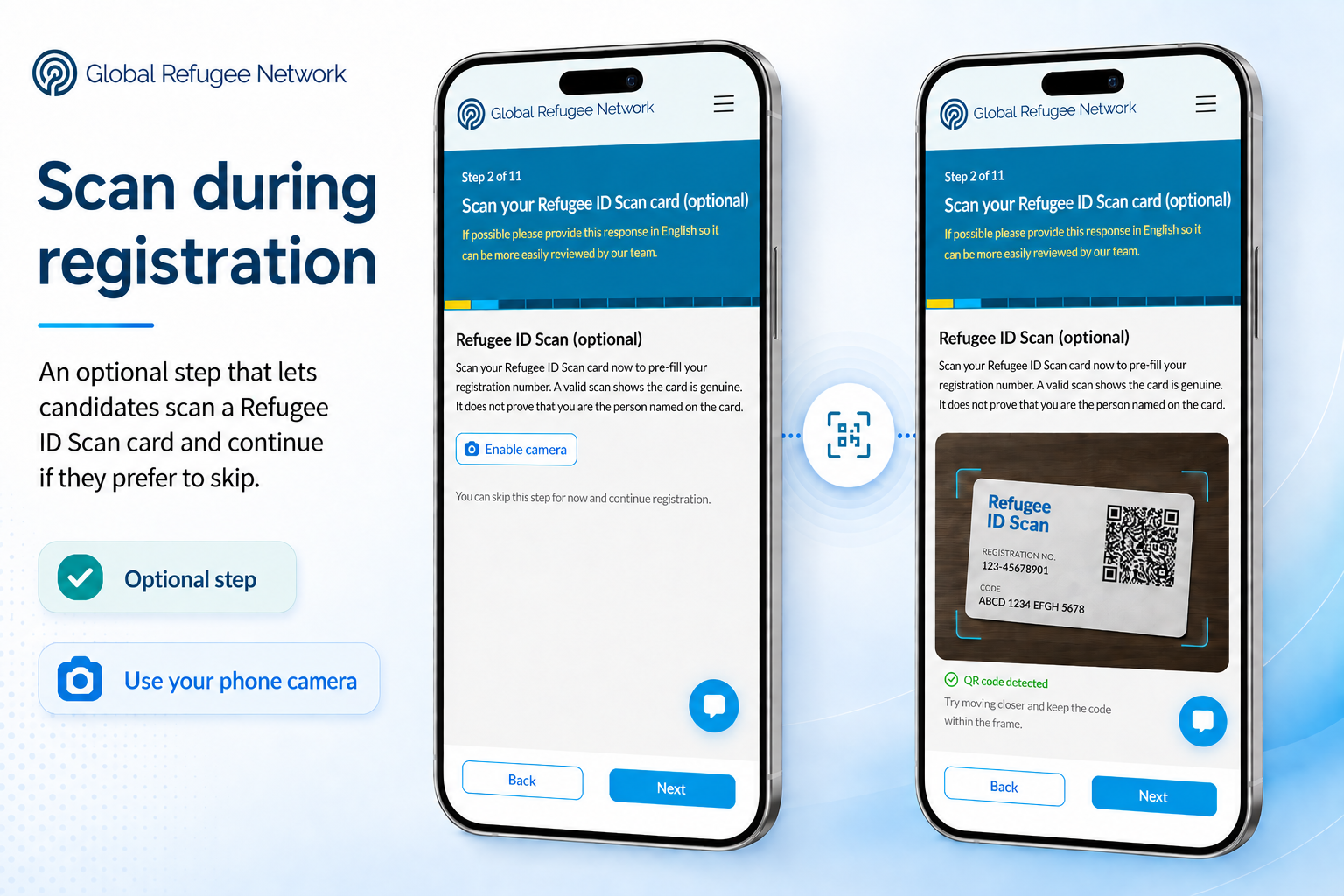
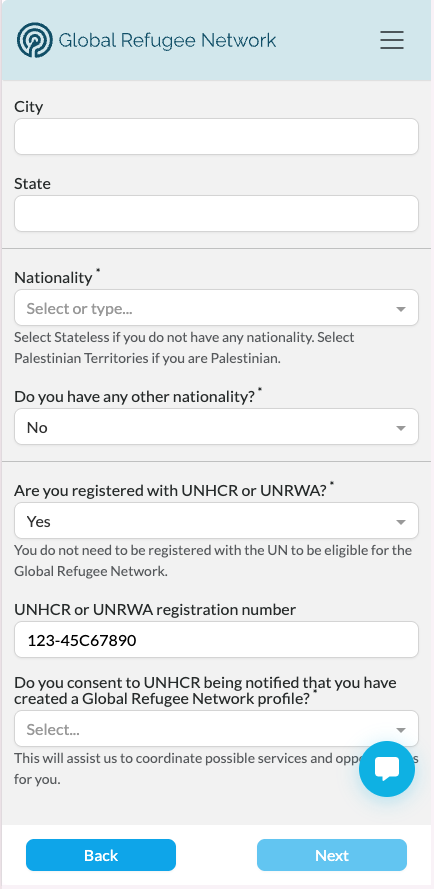
The refugee registration number is captured, alongside any personal details,and it shows up, already filled in, on the next registration step , for candidate review:
🔍 Built for Real Refugee ID QR Codes
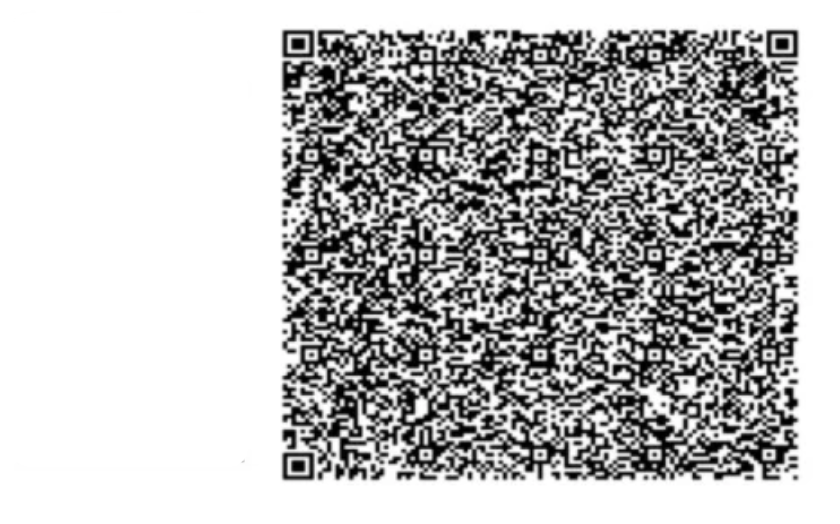
Genuine refugee ID cards use very high-density QR codes — like the sample below — and common decoding libraries struggle to read these QR codes reliably. Therefore GRN mobile scanners are built using decoders capable of handling that density, so a scan succeeds on the first realistic try.
🌐 Available in Your Language
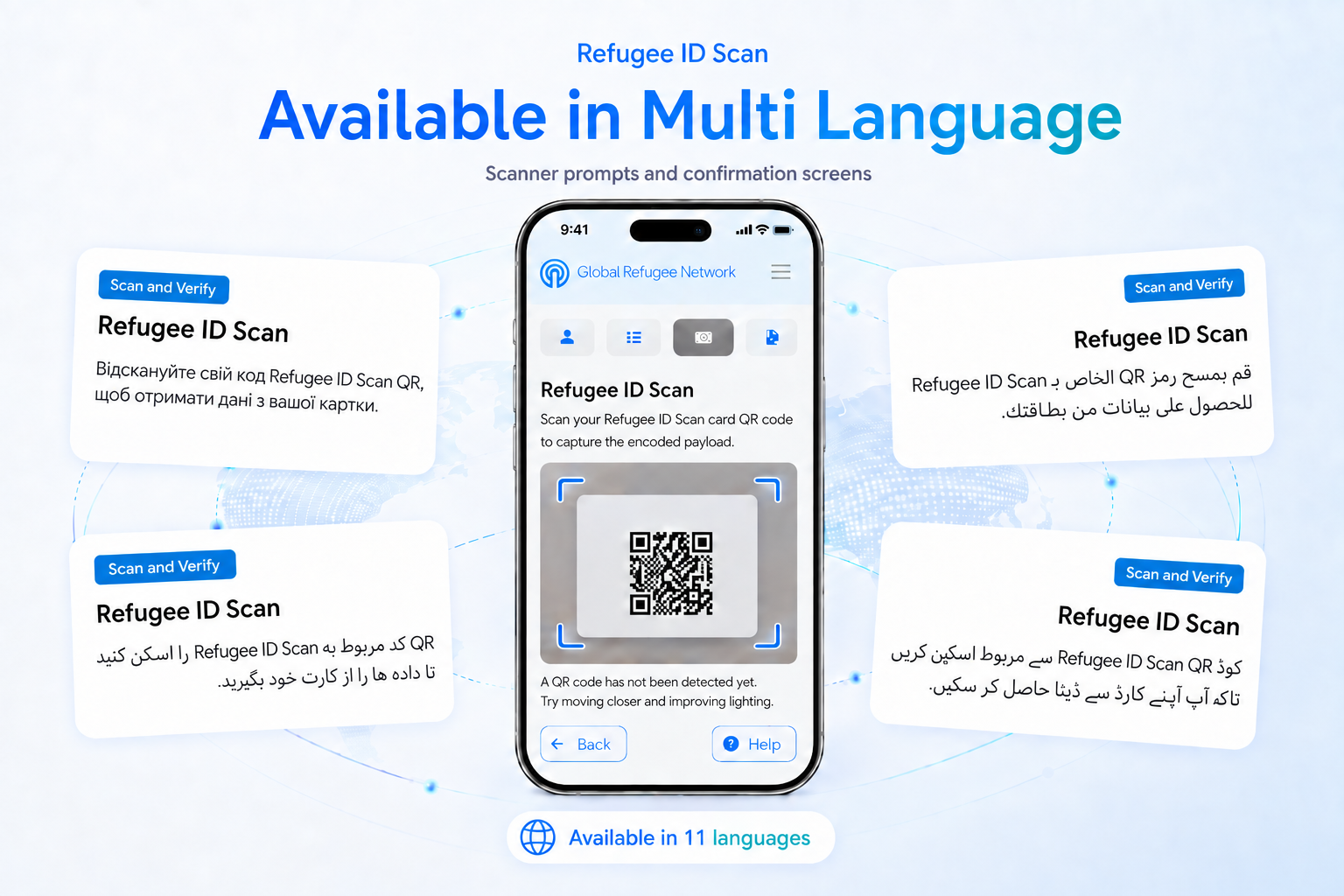
The entire scan flow — scanner prompts, confirmation screens, success and duplicate messaging — has been translated across all 11 languages the Candidate Portal currently supports, including Arabic, Farsi, Pashto, and Ukrainian.
✅ Your Consent, Clearly Asked
This release also adds a consent step to the scan flow, on both the Services tab and registration: before a card is submitted, the candidate must actively confirm they’re happy for it to be captured and stored — skipping the step means nothing is saved.
👀 Coming Into View for Staff
Right after consent, admin-portal staff have visibility into what’s been verified — showing the captured registration number and verification status on a candidate’s profile.
🚀 What’s Next
- Availability: Refugee ID card scanning is currently available on GRN only.
- Beyond the registration number: today’s release captures and verifies the refugee registration number only. Parsing and storing additional fields from the card, and photo handling, are both still ahead.