
Saved Searches That Keep Up
Submission lists and full list filtering made it easier to narrow down candidates on the fly. This release makes saved searches themselves easier to work with, so the filters you set are less likely to be lost or forgotten.
💾 Your Filters, Kept Automatically
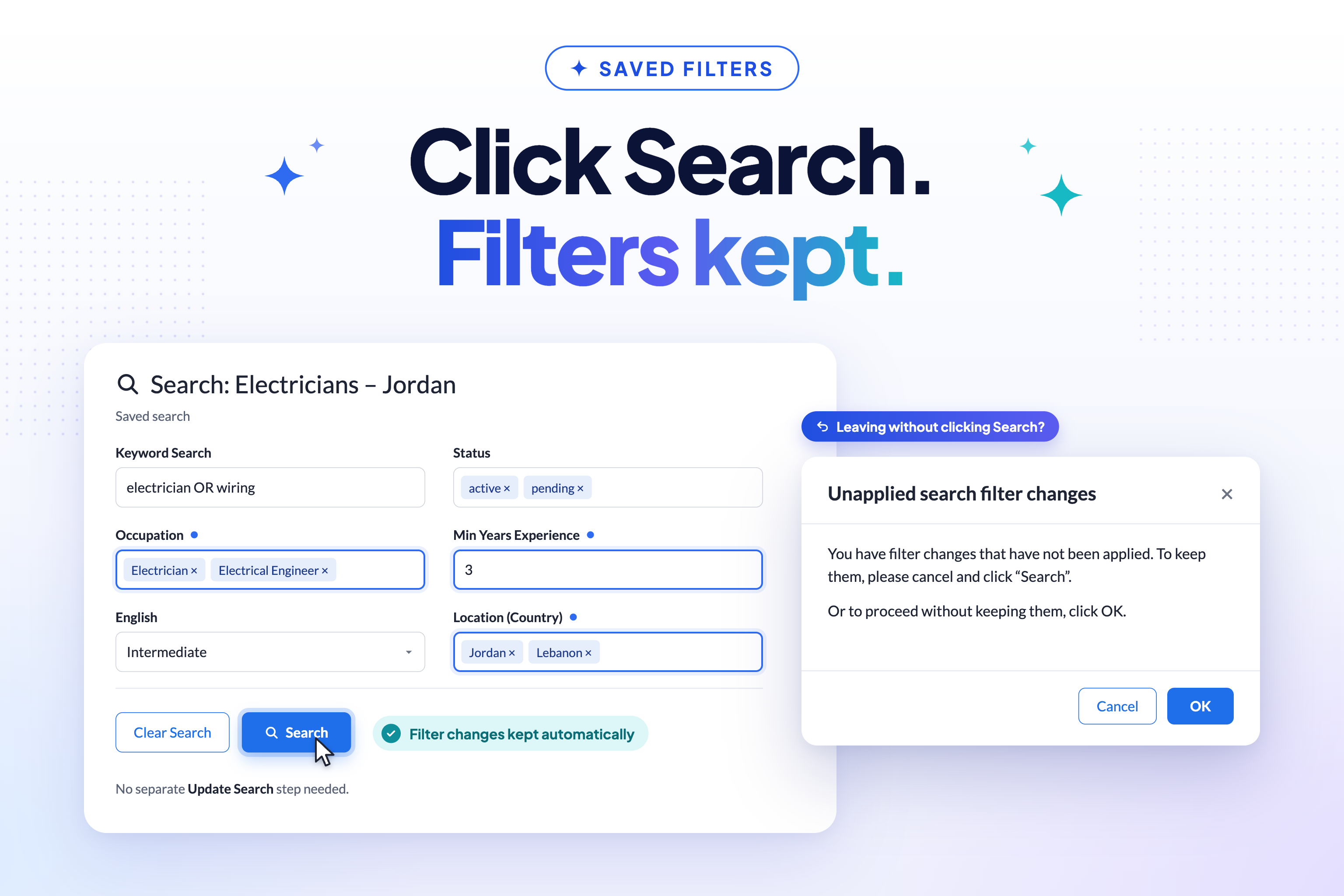
Clicking Search on a saved search now automatically keeps any filter changes you’ve made on that search — there’s no longer a need to separately click Update Search just to stop those changes being lost. This is the new standard behaviour for every saved search.
If you’ve been using Update Search as a deliberate “commit” step — for example, to try out filter changes without affecting the saved search until you’re sure — be aware that running Search now keeps those changes regardless.
💬 A Clearer Prompt
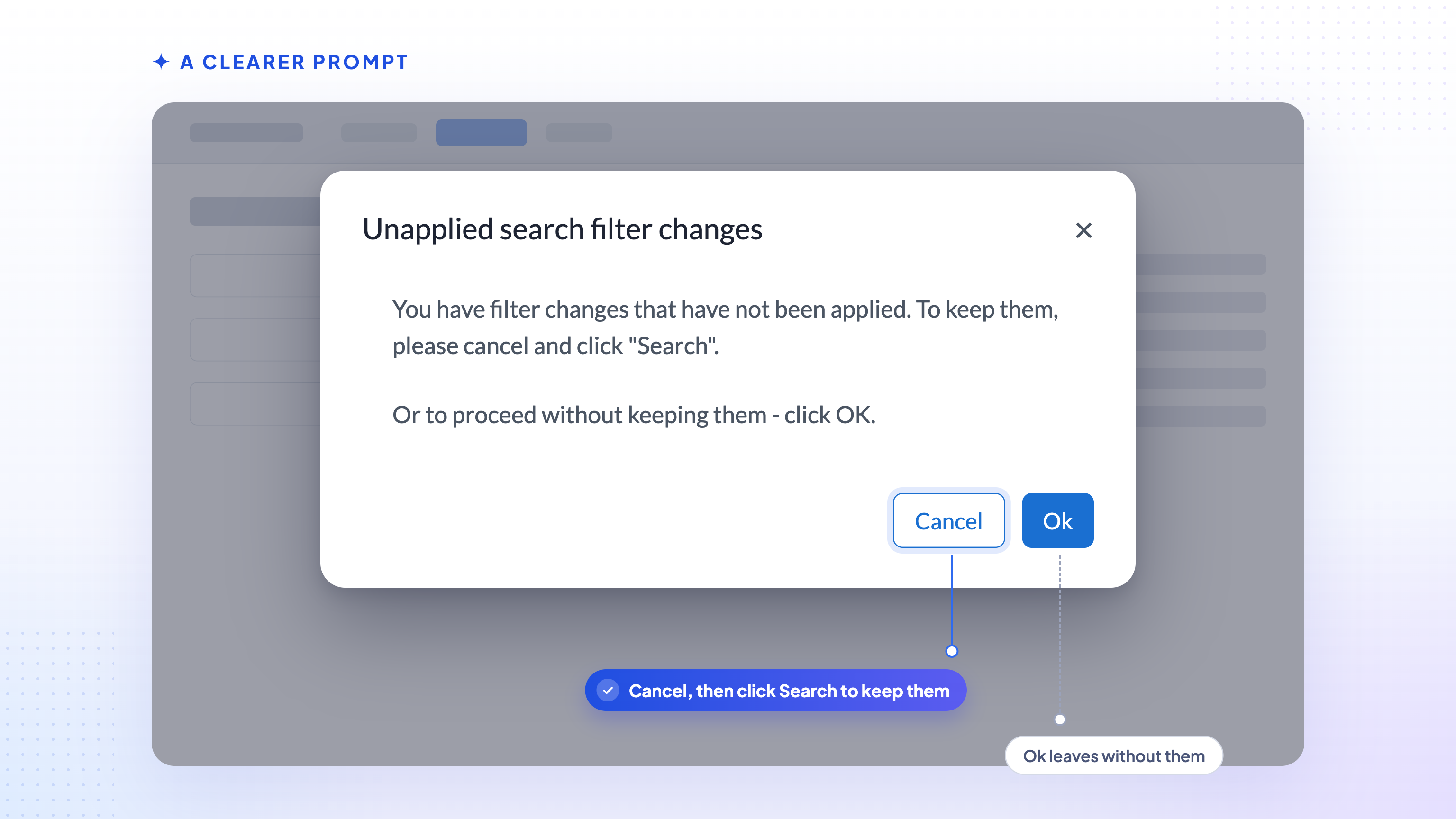
If you change a saved search’s filters and then try to navigate away without clicking Search, you’ll now see a clearer prompt.
📊 Exports Match What You See
CSV export from a saved search now reflects the filters currently applied, including changes you haven’t explicitly saved — consistent with filters being kept automatically.
🏷️ Your Default Search, Properly Labelled
Your default search is now clearly headed Unsaved, instead of being shown under a system-generated name such as “List: DefaultSearch-<username>”.
⚡ Faster Save-to-List
Saving search results to a new list no longer times out (this was only an issue in test environments) for users with many saved lists. The save-to-list dialog now requests lightweight list data instead of loading every saved list in full.